Article sections
Using your favorite browser go to www.onedrive.com and sign in with your username/password. Locate and select the Upload option

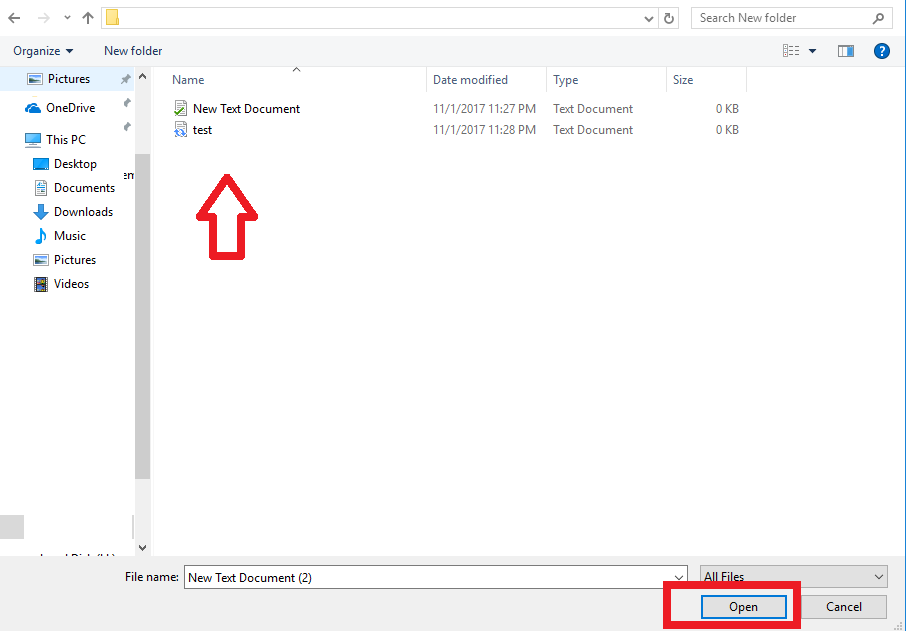
Locate and select the desired file or files and click on open.
Your files will be uploaded to OneDrive.


Using your favorite browser go to www.onedrive.com and sign in with your username/password. Locate and select the Upload option
Locate and select the desired file or files and click on open.
Your files will be uploaded to OneDrive.
